
Know what you have
Keep asset details, locations, documents and warranty information together.
TECHNOLOGY ASSET & SERVICE INTELLIGENCE
Connect equipment records, service, inspections and projects. Give your office and field teams the context to move work forward.
For facilities, AV, IT, service and project teams.
ONE CONNECTED PICTURE
Keep asset details, locations, documents and warranty information together.
Connect inspections, service tickets and project updates to the equipment.
Help the next person understand what was found, what changed and what comes next.
EXPLORE THE PRODUCT
Find the asset, review earlier work and keep supporting documents close. Record findings and follow-up so the context stays with the equipment.
Follow the connected workflowFind available records and supporting information. When device context is missing, Ask can request the asset tag or product model.

TAKE IT INTO THE FIELD
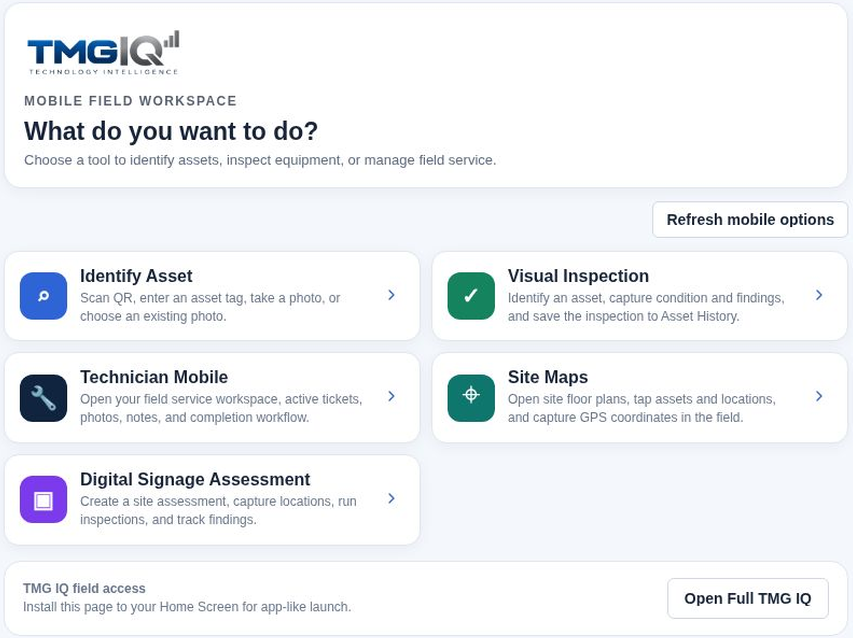
Open the mobile workspace in your phone’s browser. Find an asset, capture inspection findings and keep service notes with the work.
Available tools depend on your organization and permissions. Camera and scanning support varies by device.
SEE TMG IQ IN YOUR CONTEXT
Show us how your team manages equipment, inspections or service. We’ll start there.